
AUTOMATION / APPOINTMENT BOOKING
Booking Automation.
Make scheduling simpler.
Give customers a clearer way to choose a time, share the right details and know what happens next. RawCode Tech designs appointment booking workflows around your availability, team responsibilities and agreed tools.
Clear availabilityUseful remindersOrganized handover
Start with the way your team schedules.
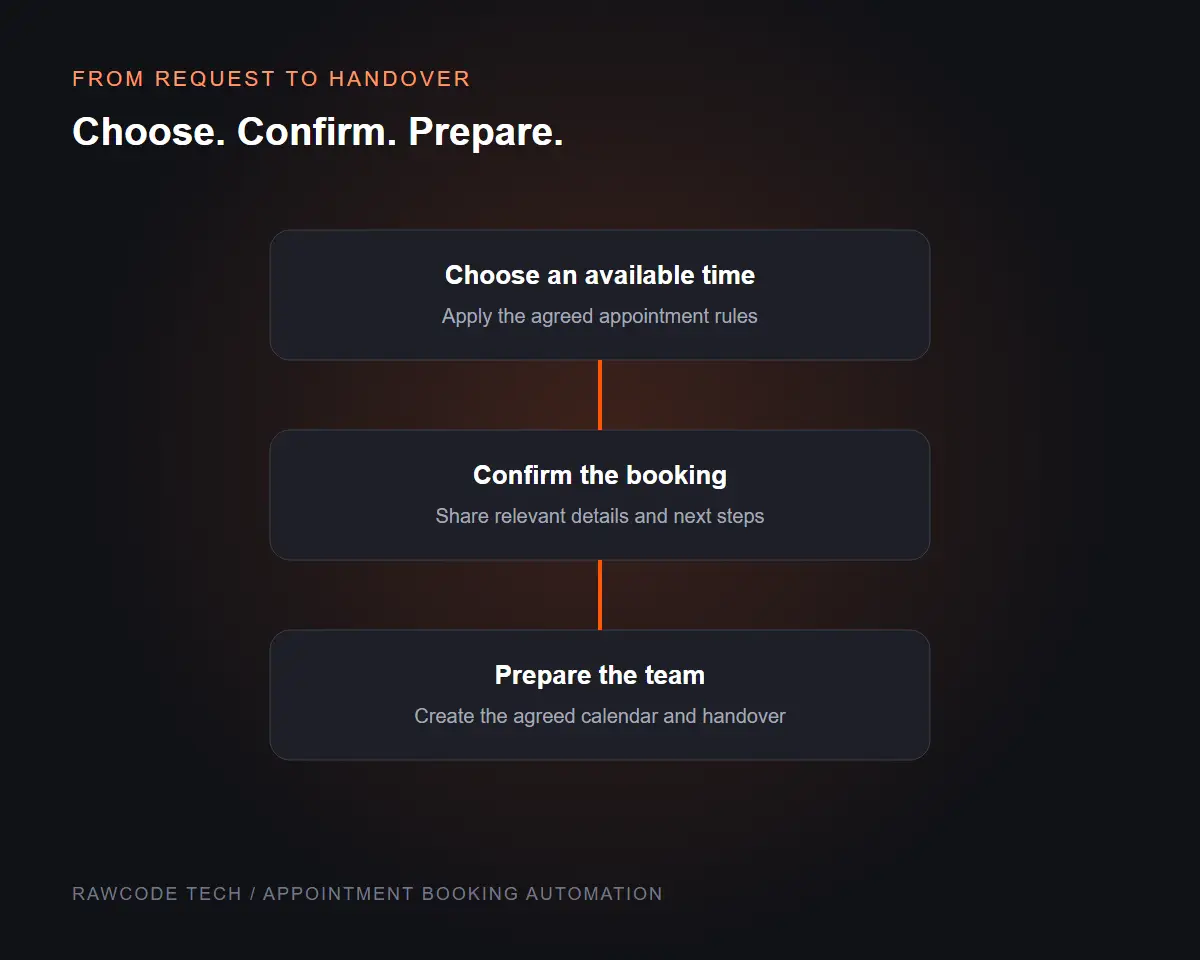
A useful booking flow reflects your actual services, working hours and appointment rules. We review how requests arrive, who handles them and where manual follow-up creates friction before deciding what to automate.
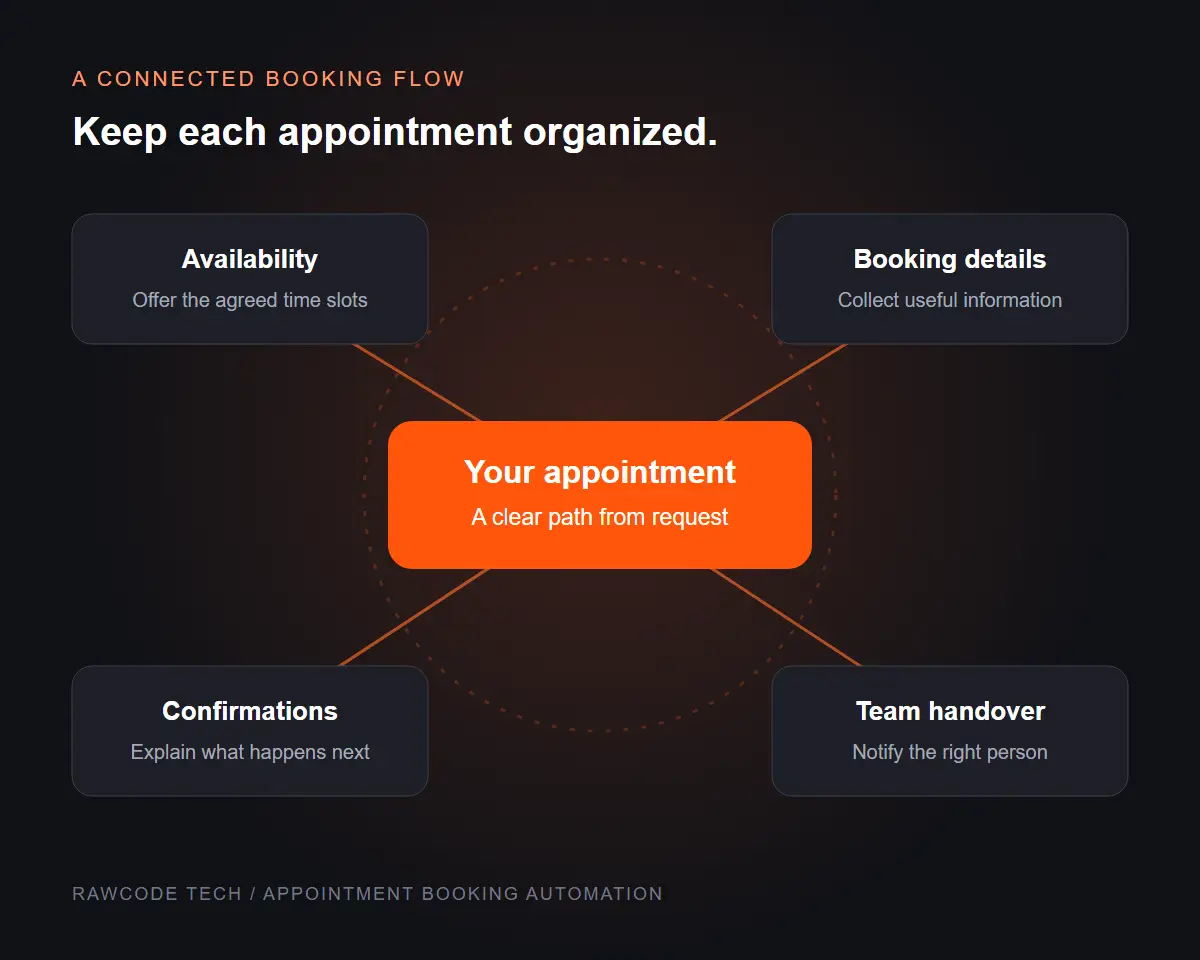
Connect the steps around each appointment.
Scheduling is more than a time slot. Customer details, confirmation messages, calendar entries and team notifications need to fit together. We map those steps and define what should happen when a booking changes or needs attention.
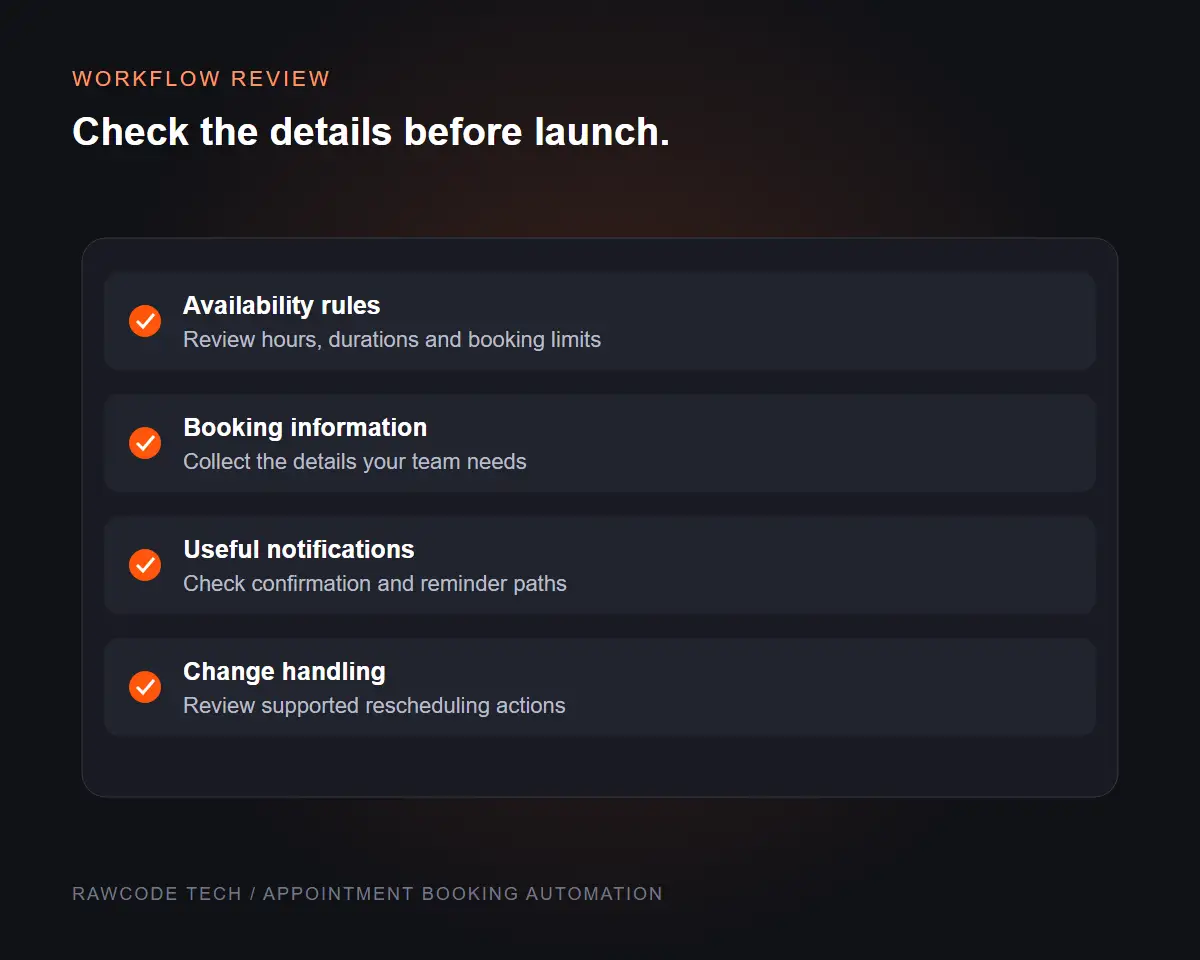
A clearer path from request to appointment.
Choose the workflow components your team needs. Platform access, available integrations and communication channels are reviewed before implementation.
01
Availability Rules
Define working hours, appointment types, durations and agreed booking limits.
02
Booking Forms
Collect the details needed to prepare for the appointment without overcomplicating the form.
03
Confirmations
Prepare messages that explain the selected time, location or meeting details and next steps.
04
Reminder Workflows
Set up agreed reminder timings and channels where your tools support them.
05
Calendar & Team Handover
Connect booking records to the agreed calendar and notify the responsible team member.
06
Workflow Review & Testing
Test representative bookings, changes and notification paths before handover.
Clear rules make automation useful.
We design around the decisions your team can explain and maintain. Each step should give the customer useful information and leave your team with a clear booking record.
01
Availability that reflects reality
Check hours, durations and the appointment rules that determine which slots can be offered.
02
Messages with a purpose
Keep confirmations and reminders relevant to the booking, with clear instructions and next steps.
03
An understandable handover
Document the workflow, responsible team members and the settings your team may need to change.
From scheduling rules to a working flow.
A focused sequence helps us connect the right steps and check the customer experience before launch.
01
Map the appointment journey
Review appointment types, availability, customer details and the people involved.
02
Define the workflow
Agree on booking rules, message timings, supported connections and exception handling.
03
Build and test
Configure the agreed flow and test representative bookings and changes.
04
Launch and hand over
Explain the setup, review early use and provide the agreed workflow notes.
A booking flow your team can manage.
Receive the agreed booking workflow, configuration and handover notes, with a record of the paths checked during testing.
- Appointment and availability rules
- Agreed booking form configuration
- Confirmation and reminder setup
- Calendar and team handover as scoped
- Representative workflow test notes
- Configuration and handover guidance
Pricing depends on appointment types, booking rules, connections, messages and the platforms involved.
Platform subscriptions, messaging charges, custom integrations and ongoing support are scoped separately where needed.
Questions before we begin?
It can connect availability, booking forms, confirmations, reminders and team handover. We agree on the components that suit your scheduling process and supported tools.
We review your current platform, available connections and account access before confirming the implementation scope. The setup depends on what those tools support.
Where the chosen platform supports these actions, we can define the relevant rules and message paths. We review those requirements during the brief.
Yes, where supported by the agreed tools. We can scope different durations, availability or preparation details for the appointment types your team offers.
Reminders can be included in the agreed workflow. Channels, timings and any platform or messaging costs are confirmed before setup.
We provide scoped handover notes covering the workflow, responsibilities and common settings. Ongoing changes or support can be agreed separately.
Make the next booking easier to manage.
Share your appointment types, existing tools and the steps your team handles manually. We will help define a practical booking workflow.
Explore related services: Lead Generation / Chat Bot Automation